
Mounting your XbotGo Falcon camera onto a tripod
XbotGo integration is currently only available for users on iOS devices. If you have an Android device, here's how you can use your Falcon on TeamSnap ONE.
The XbotGo Falcon must be mounted using the Quick Release Plate included with the Falcon. The Falcon cannot be mounted directly to a tripod without the Quick Release Plate.
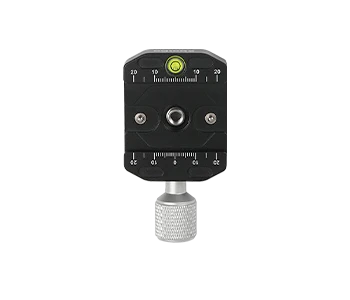
Important: If you're using the new NT4 Pro tripod, remove the transport cover from the top of the tripod thread before mounting the Quick Release Plate. The cover is included to protect the tripod during shipping and does not need to be reinstalled after removal.
Mounting the Falcon:
-
Attach the Quick Release Plate to the tripod.
Place the Quick Release Plate on top of the tripod head and tighten the knob to secure it.
-
Attach the Falcon to the Quick Release Plate.
Align the slot on the bottom of the Falcon with the rail on the Quick Release Plate, keeping them parallel. Slide the Falcon onto the plate from the side until it reaches the center position.
-
Secure the Falcon.
Tighten the locking knob on the Quick Release Plate until the Falcon is firmly secured. Make sure the Falcon does not move or feel loose.
-
Adjust the tripod.
Set the tripod to the desired height and make sure all tripod joints are securely locked. Once the tripod is stable, the Falcon is ready for use.
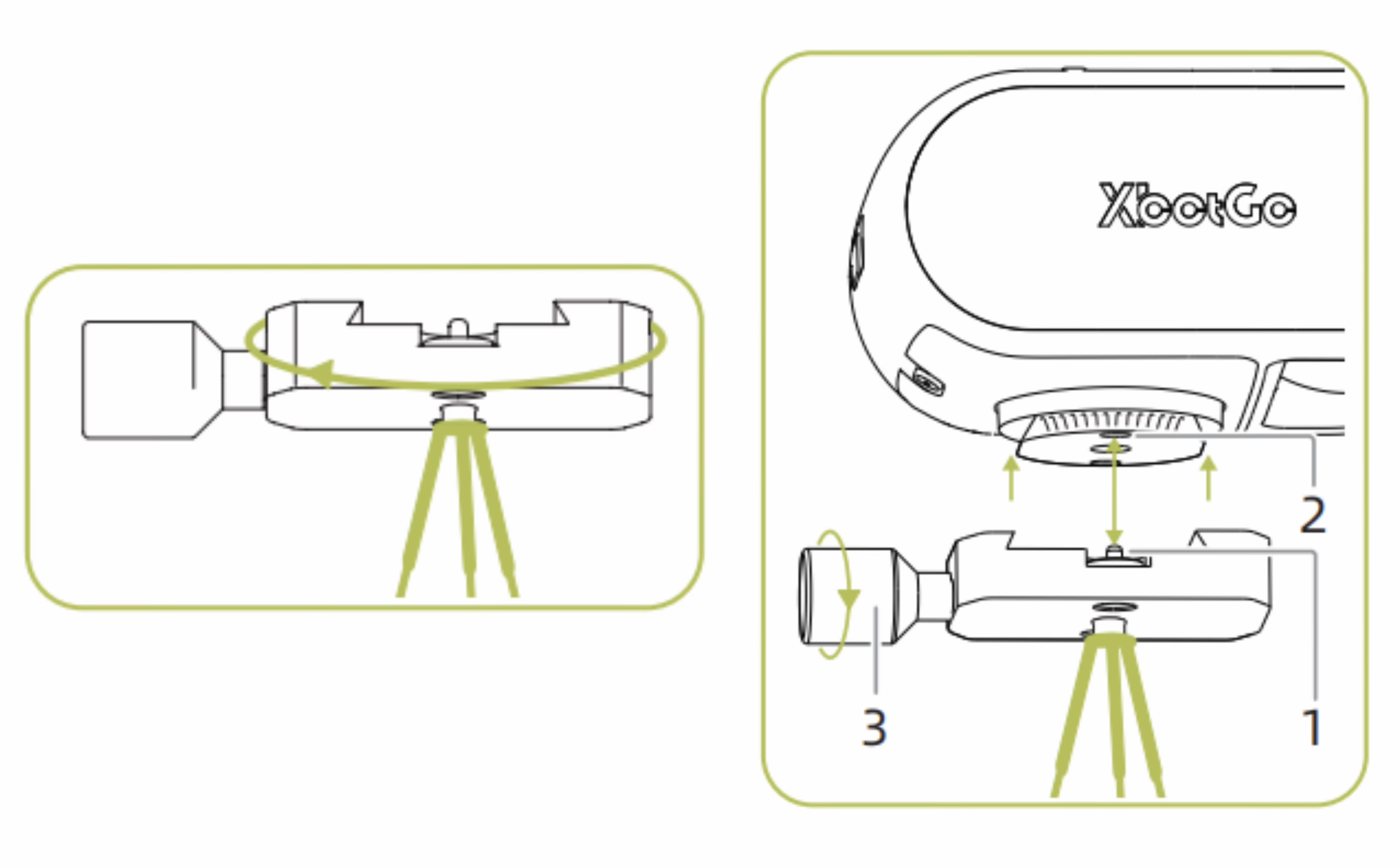
Important: When you start shooting, the Falcon will automatically calibrate and position itself toward the field. If the lens is not centered on the field after calibration, do not manually rotate the Falcon. Instead, adjust the tripod to reposition the Falcon and align it with the field.